Copilot für Microsoft 365
Informieren Sie sich zur KI-Lösung und buchen Sie Lizenzen
Stay up to date with the latest updates to Copilot for Microsoft 365—we regularly showcase the latest features and improvements on our blog.
Stay up to date with the latest updates to Copilot for Microsoft 365—we regularly showcase the latest features and improvements on our blog.

Microsoft continuously develops its products to provide users with the best tools and features. Copilot for Microsoft 365 also benefits from this ongoing innovation process and receives new updates every month.
In this blog post, we regularly introduce you to the latest features of Copilot for Microsoft 365, which make your work with Microsoft 365 even more productive and efficient. Stay up to date and discover how you can exploit the full potential of Copilot.
Are you planning to use Microsoft Copilot or other AI solutions in your company? Telekom, Germany's largest Microsoft partner, supports you no matter what stage of AI implementation you are at – from free consultations to workshops and assessments to implementation support. Get in touch with us and we will find the right solution for you!
At the end of the year, Microsoft 365 Copilot users can once again look forward to a host of new features and possibilities.
Since 1 December, Microsoft 365 Copilot Business, a new edition specifically designed for small and medium-sized businesses, has been available. The add-on for the business editions (Basic, Standard and Premium) of Microsoft 365 offers the familiar features of Microsoft 365 for greater productivity.
In addition, the following new features have been added:
More intelligence for users
Better search & navigation
New specialised agents
In October, Microsoft 365 Copilot was once again expanded with many interesting new features.
One new feature, for example, is Agent Mode in Word and Excel, which makes working with documents and data much more interactive. Instead of executing individual commands, Copilot plans, controls and checks entire work steps independently: in Word, content is created on a dialogue basis through queries, drafts and refinements, while in Excel, Copilot implements multi-step tasks such as data preparation, modelling or visualisation directly in the grid.
In addition, there were the following innovations:
More intelligence for users
More productive in apps & on the move
The September update brings many helpful updates for Microsoft 365 Copilot – with lots of new features. The most important new features are:
August also brought exciting updates for Microsoft 365 Copilot, with many features designed to increase productivity and security.
This gives administrators significantly greater transparency and control options: SharePoint agents can be managed centrally in the Microsoft 365 Admin Centre. This is complemented by improved cost management via pay-as-you-go capacities for Copilot Chat and detailed usage reports for Copilot Search.
Further innovations include:
With GPT-5, Microsoft is bringing the most powerful OpenAI generation to date directly to Microsoft 365 Copilot and Copilot Studio. GPT-5 combines speed for simple queries with deep, context-based thinking for complex tasks.
What's new?
July also brought exciting updates for Microsoft 365 Copilot, Teams, SharePoint and Edge – with many features that make productivity and collaboration even more intuitive.
Microsoft 365 Copilot
Microsoft Edge
SharePoint & Teams
In June, numerous new features were released for Microsoft 365 Copilot, making everyday work even more efficient:
ContextIQ in Copilot Chat: Integrate context directly – use the slash command (/) or the "Add content" button to attach files, meetings, people and even third-party data sources such as Salesforce or ServiceNow to prompts. New: Select meeting series, search for files using filters, proactive context suggestions as you type.
Mobile app updates: Deep Reasoning Agents Researcher and Analyst on iOS (Android to follow), Copilot notebooks for on the go, and new Create features for stories, infographics, and templates.
Copilot in Edge: Send queries directly from the address bar to Copilot, use agents in the browser, and summarise web pages instantly with a right-click.
Copilot in Outlook: Schedule meetings via chat, prepare for meetings on mobile devices, summarise attachments, and enjoy a new sidebar experience in classic Outlook.
Copilot Chat: More realistic image generation, OCR for scanned PDFs, longer summaries of large files, and multi-turn image interactions.
Copilot Memory: Preferred working methods and recurring topics are automatically remembered to make responses more personal and efficient – they can be customised or deleted at any time.
Other highlights: call summaries in Teams Phone, new .pagefile extension for Copilot Pages, Copilot Notebooks in OneNote, integration of brand images in PowerPoint, formula explanations directly in Excel, and the new Microsoft 365 Copilot app for macOS.
These updates make Copilot even more powerful as your personal, context-aware AI assistant – whether in your browser, Office apps, on mobile or on your desktop.
May 2025 also saw exciting innovationsthat make Copilot even more powerful and versatile – from notebooks in OneNote to smarter presentations in PowerPoint.
OneNote
Edge
Word
PowerPoint
Copilot Chat
In April 2025, Microsoft also introduced enhancements and improvements for Microsoft 365 Copilot, which are designed to make everyday life much easier for users:
March 2025 also saw number of exciting new features that improve the way agents interact with Copilot and use it in various Microsoft applications.
Administrators may find these two points particularly interesting:
Users of Microsoft 365 Copilot can look forward to these new features, among others:
February 2025 also saw exciting new features, particularly improving the management and use of Copilot in various Microsoft applications.
New policy for Copilot access in Teams meetings: Administrators now have the option to specifically control access to Copilot for B2B users in multi-tenant organisations. This setting can be configured in the Teams Admin Centre or via PowerShell and is enabled by default.
Users can also look forward to a range of new features.
Advanced functions in Excel
Improved summaries and coaching in Word
New features in PowerPoint
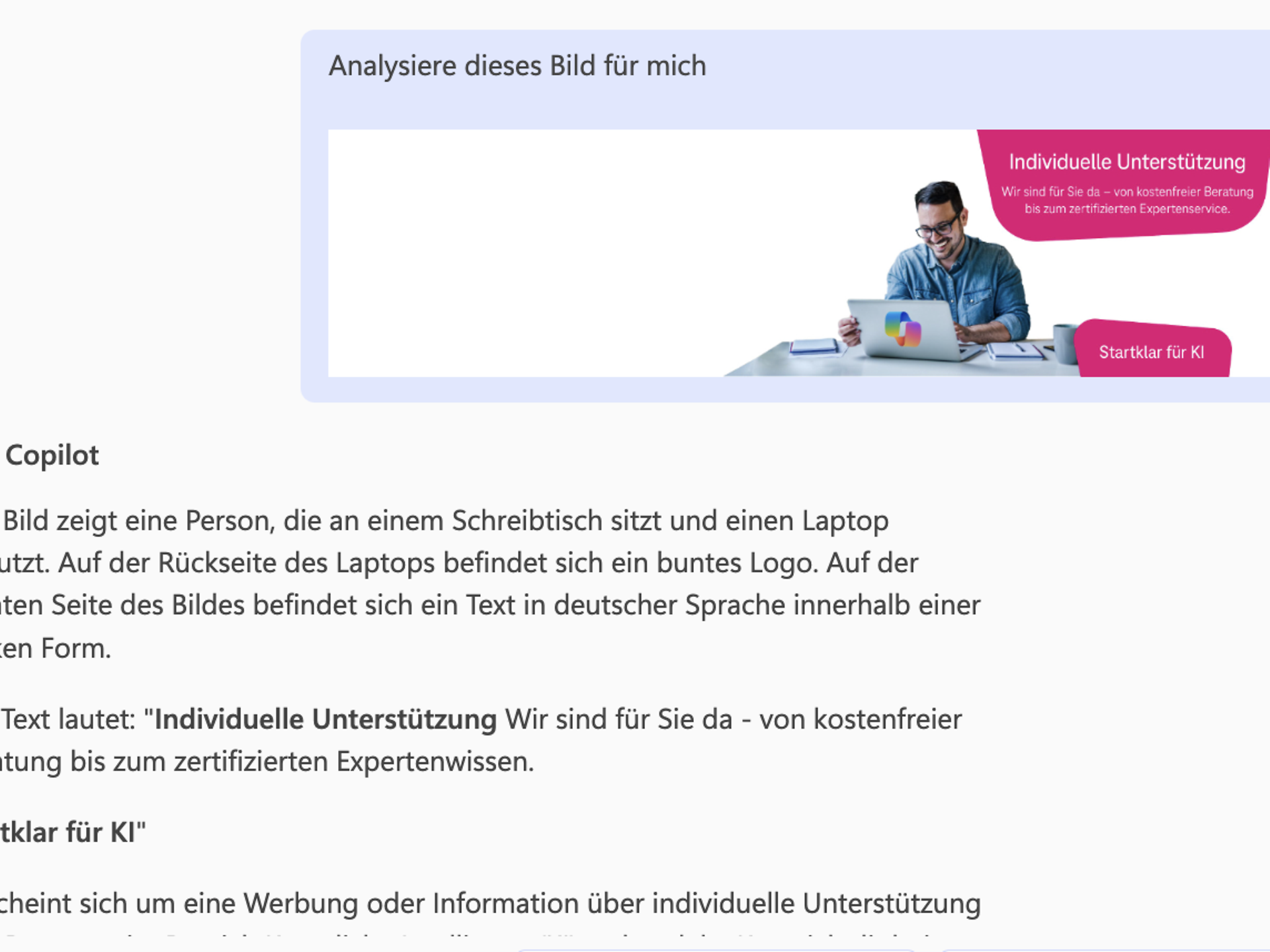
You can now also upload images via Copilot Chat and have them analysed. You will receive a detailed description and any text contained in the image will also be recognised. This is possible via Microsoft 365 Copilot, Teams, Outlook or the Edge sidebar.
Microsoft 365 Copilot will continue to receive regular updates with new features in new year. Here are the latest updates from January:
The most important new feature is that Microsoft 365 Copilot Chat now also offers AI-based functions free of charge to users of Microsoft 365 Business Basic, Standard and Premium. This is chat environment based on GPT-4. It can be used to create images or text, for example, or to carry out research. This new feature enables companies to use AI in a straightforward manner without any prior commitment. While Copilot Chat offers basic AI support, Microsoft 365 Copilot remains the more comprehensive solution with advanced features such as email summaries, meeting reviews and Excel data analysis.
In addition, there are the following new features:
With the Wave 2 Spring Release, Microsoft is expanding the Copilot Control System (CCS) with new features that help IT administrators use Microsoft 365 Copilot and agents securely, cost-effectively and transparently.
Administrators gain comprehensive insights into agent behaviour via the new Data Security Posture Management for AI module in Microsoft Purview. These include:
A central dashboard provides a clear overview of where security gaps exist and how they can be closed in a targeted manner.
New analytics capabilities help organisations better measure the impact of Copilot agents:
To effectively manage the agent lifecycle, the management functions in the Microsoft 365 Admin Centre are being further expanded:
These new features provide administrators with greater control, transparency, and security when introducing and scaling Copilot solutions in enterprises.
At the end of the year, Microsoft also introduced various new features for Microsoft 365 Copilot. These are the most important updates:
Greater transparency and customisation for administration teams
More efficient tools for users
In November, Microsoft once again unveiled a host of exciting new features for Microsoft 365 Copilot. Here are the most important updates:
In October 2024, updates for Microsoft 365 Copilotwere introduced – for both administrators and users. Take a look at the following new features, for example:
Users will also receive these new features:
In September 2024, updates for Microsoft 365 Copilot were introduced again – for both administrators and users. Take a look at the following new features, for example:
Users can also look forward to these new features:
Microsoft has unveiled the next major update for Copilot in Microsoft 365. Wave 2 brings impressive new features, especially for SharePoint and OneDrive. These enhancements aim to further increase user productivity. Here is an overview of the most important announcements:
Copilot Pages
Microsoft introduces Copilot Pages, a dynamic, persistent workspace designed for collaboration with AI. Teams can work together in real time with Copilot and add content from various data sources.
Copilot Agents
In addition, Copilot Agents were introduced, which can automate and execute business processes. They range from simple assistants that perform tasks to more complex autonomous agents. With the new Agent Builder, users can easily create their own Copilot Agents.
Copilot in SharePoint
SharePoint is becoming a central content management tool that supports users with the aforementioned Copilot agents. These AI-powered agents enable users to answer questions, create summaries and analyse content from SharePoint.
Copilot in SharePoint can also design entire pages based on text instructions. Features such as branding, layouts and animations can be added using natural language to create appealing websites.
Copilot in OneDrive
New features in OneDrive make it possible to summarise, compare and search files for content more quickly. With AI support, users can ask questions about files without having to open them and extract important information more quickly. These features are expected to be available to all users from the end of September 2024.
Further improvements to Copilot for Microsoft 365
The capabilities of Copilot in the various Microsoft 365 apps are being further improved. New features are being introduced, particularly in Excel, PowerPoint, Teams and Outlook, such as the following:
In August 2024, interesting updates for Copilot for Microsoft 365 were announced once again. These innovations affect Outlook, Word, Teams and Forms, among others. The following features, which could make your work even easier, are particularly noteworthy:
July 2024 also saw exciting new features for Copilot in Microsoft 365. These can be found in Excel, Outlook, Word and Forms, among others – the following may be of particular interest to you:
Improved data analysis with Copilot in Excel
Write and organise emails faster with Copilot:
Improved document summarisation in Copilot in Word:
Creating quizzes with Copilot in Forms:
Microsoft has expanded the functionality of Copilot for Microsoft 365 with a number of exciting new features in June 2024. These can be found in SharePoint, Word, PowerPoint, Excel and Loop, among others.
Efficient rewriting of content in SharePoint
Copilot now enables quick rewriting of texts on SharePoint pages, including adjustment of tone and text length.
Creative images with Microsoft Designer in Word and PowerPoint
Microsoft Designer now helps you create or find suitable images with simple instructions – with automatic integration into the design.
Comprehensive information access in Word
With new referencing features for PDFs, emails and meetings, Copilot in Word offers enhanced access to information in the Microsoft 365 tenant.
Presentation creation on a new level in PowerPoint
Copilot expands presentation possibilities with additional file types and offers more design customisation with elegant transitions.
Advanced data analysis in Excel
Copilot in Excel now also works with data-like ranges and provides detailed instructions and error explanations.
Efficient Loop page creation in Microsoft Loop
Copilot facilitates the creation of loop pages to quickly and effectively design work plans and team collaborations.
In May 2024, Copilot for Microsoft 365 was expanded to include various new features. These can be found in Copilot Chat, Planner, Word and Forms, for example. Here is an overview of the most important new features.
Simplify project management in Planner
Copilot in Planner helps teams plan, manage and monitor projects more efficiently. Copilot can create project plans including goals, tasks and subtasks. As the project progresses, Copilot suggests new tasks and structures the planning with new categories to improve clarity.
Always up to date with catch-up in Copilot Chat
Copilot Chat's "Catch-up" feature now offers users proactive suggestions to help them organise their working day more efficiently. It allows them to easily navigate through updates and current activities to stay on top of things and work more productively.
Refine and expand documents in Word
With Copilot in Word, users can now refine, expand or add additional information to existing text passages. This makes it easier to build on existing content and create more comprehensive documents.
Increase response rates in Forms
Copilot in Forms notifies form administrators about current response rates and offers proactive recommendations for follow-up actions. If the response rate is low, Copilot helps you quickly compose and send reminders, among other things.
Informieren Sie sich zur KI-Lösung und buchen Sie Lizenzen
About Microsoft Copilot
Holen Sie sich Unterstützung von den Experten der Telekom.
Assessment: Successfully implementing Microsoft Copilot
Sie haben Fragen oder Anliegen, nutzen Sie unser Kontaktformular.
Sign up now


